What this guide covers
A tidy cable route in a rental starts with mapping exactly which devices connect to which outlet, then choosing a path that follows furniture edges or a wall rather than crossing open floor — all without cutting into a wall or installing anything permanent. This is a routing and organization guide for low-voltage signal and data cables; it does not cover electrical repair, and any specific device, cord, or power strip should be used exactly as its own manufacturer describes.
Quick plan
- Map every device-to-outlet route before buying anything.
- Route along furniture edges or walls instead of across open floor.
- Keep every door, walkway, vent, and exit path fully clear.
- Plan how you will remove any clip or adhesive before you install it.
- Follow each cord, power strip, and device’s own instructions exactly.
Check before buying or changing anything
Constraints table
| Factor | What to check | Who or what decides | Reversibility |
|---|---|---|---|
| Route path | Distance, furniture edges available, and any crossing points | Your own measurements | Fully reversible if no hardware is attached |
| Door/walkway/egress clearance | Whether the route crosses a doorway, main walkway, or exit path | Your home’s layout — never route through these | N/A — this is a placement rule, not a material one |
| Attachment method, if any | Clip or adhesive surface compatibility and removal instructions | The product’s own manufacturer instructions | Varies by product and surface; never guaranteed damage-free |
| Cord/power strip capacity | What that specific cord or strip is rated for | The cord or power strip’s own manufacturer instructions | N/A — follow the rating, do not estimate it |
The decision process, in order
- Map every device-to-outlet route. For each device, trace the actual path a cable would take, and note its length and any obstacles.
- Reduce crossings before adding hardware. Where several low-power devices are grouped near one media console, a listed power strip may reduce the number of separate cords traveling to the wall outlet, but only when the strip’s labeling and manufacturer instructions permit the connected devices and total load. Do not choose a strip by outlet count alone, and do not use this article to estimate electrical capacity.
- Route along furniture edges or walls first. A cable running along the back or side of a piece of furniture, or tucked against a baseboard, is both tidier and easier to remove later than one attached directly to drywall.
- Keep doors, walkways, vents, and exits fully clear. No route should cross a doorway swing, a main walkway, a heat vent, or an exit path, even temporarily.
- Plan removal before you attach anything. If you use a clip or adhesive cable holder, check its manufacturer’s removal instructions now, not after it has been in place for months, and confirm your lease’s position on wall attachments before you commit to anything more than a freestanding solution.
- Only then, choose hardware matched to your confirmed route and surface. Pick clips, sleeves, or a strip sized to what you actually mapped, rather than buying first and routing around it.
Route-planning diagram
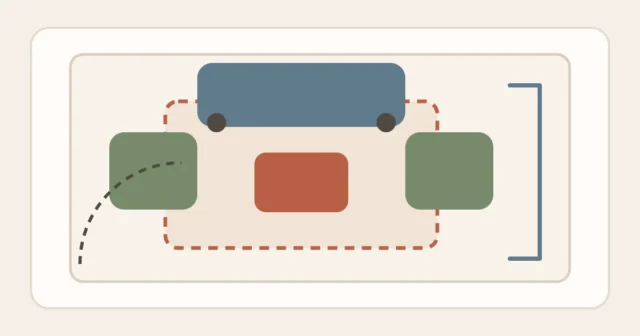
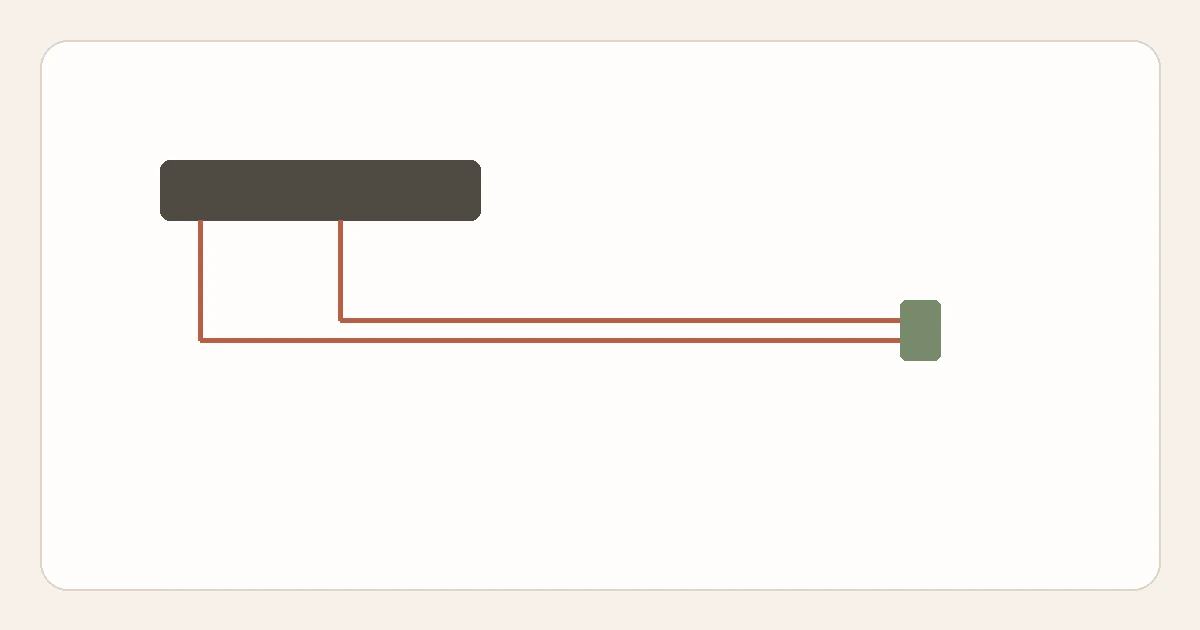
Both cable routes hug the console edge and the wall rather than crossing the open walkway or the door’s swing area, keeping the room fully usable.
Removal and surface-caution checklist
- The removal method for any clip or adhesive has been checked before installation.
- No route crosses a doorway swing, walkway, vent, or exit path.
- No cord runs under a rug, carpet, or in a high-traffic area.
- No power strip is plugged into another power strip or extension cord.
- Every cord and strip is used within its own stated rating, not an estimate.
- No cord is nailed, stapled, or run through a wall, floor, or ceiling.
Options, from least to most involved
1. Route along furniture edges with no hardware at all
Running a cable behind or alongside a console, desk, or bookcase — see organizing a small apartment without buying more bins for reassigning furniture you already have — often solves most of the visible-clutter problem without adding anything.
2. A cable sleeve or sock to bundle multiple cords
A fabric or flexible sleeve can group compatible signal/data cables into one tidier bundle without attaching anything to a wall. For power cords, chargers, or other mains-powered leads, do not assume a sleeve is suitable simply because it fits; follow the cable/device manufacturer’s instructions and keep any setup visible enough to notice damage or unusual heat.
3. Removable clips matched to your confirmed surface
If a short section genuinely needs to be held in place — along a baseboard, for instance — choose a clip whose manufacturer instructions match your specific surface, and follow its stated removal method. Do not describe or expect this as guaranteed residue-free; results depend on your exact surface and paint condition.
4. A single consolidated power strip at the device end
Rather than running several separate cords to the outlet, one power strip positioned near the devices — used strictly within its own manufacturer rating — can reduce the number of cables in the route to one. See using vertical storage without crowding a room if you are also considering wall-mounted shelving near the same area, since the same clearance thinking applies to keeping a power strip reachable and visible rather than hidden behind heavy items.
What not to buy or change yet
- Do not buy a permanent raceway or channel system that requires cutting or drilling into a wall.
- Do not assume a power strip or extension cord is suitable for a specific appliance before checking that appliance’s own manufacturer instructions.
- Do not plug a power strip into another power strip or into an extension cord — plan the route so one strip reaches the outlet directly instead.
- Do not run any cord under a rug or carpet, even temporarily, to hide it while you plan a better route.
A repeatable review method
- Whenever you add a device: re-map its route using the same process above rather than tucking a new cord in wherever is convenient.
- Periodically: check cords and strips for damage, fraying, or heat, and check that clips or adhesives are still holding as expected.
- Before you move or reorganize the room: review each attachment’s removal instructions again rather than assuming removal will match installation.
FAQ
Is it fine to run a cable under a rug if it is a low-voltage cable, not a power cord?
Do not assume guidance for household power cords automatically proves that every signal/data cable has the same requirements. As a practical routing rule, keep any cable out of normal foot traffic and away from pinch points when you can, and follow the cable or device manufacturer’s instructions for its permitted routing.
Can I use a longer cable instead of a power strip?
Often yes, and it avoids the power-strip capacity question entirely — choose whichever solution actually reduces crossings in your mapped route, and use any cable within its own rated length and type.
What if my only route option would cross a doorway?
Look for an alternate path along a different wall or furniture edge first; if no route avoids the doorway, that is a sign the current furniture layout needs to change before the cable problem can be solved cleanly. Moving the device or the furniture it sits near, even a short distance, is often a simpler fix than routing a cord across a threshold every day.
Are wireless devices a better option than routing a cable at all?
For some devices, yes — but that is a product-specific choice based on the device’s own capabilities, not something this guide recommends universally. Check whether your specific device supports a wireless connection and whether that connection meets your actual needs before assuming it replaces the cable entirely.
Method notes
This guide applies the Start Here method guide to cable routing specifically: map the actual path, reduce crossings, keep egress clear, and plan removal before installing anything. It deliberately separates cable organization from electrical repair, and does not provide wiring, rewiring, or capacity-estimation instructions, since those depend on the exact product. For the same reduce-and-measure approach applied to furniture and storage, see organizing a small apartment without buying more bins, or browse Rental-Friendly Living for more of this reversible-first approach.
Sources
- U.S. Fire Administration, home fire-safety guidance on keeping electrical cords out from under rugs/carpets and away from doorways — usfa.fema.gov/gallery/pictographs/pictograph88.html
- Occupational Safety and Health Administration, interpretation on listed relocatable power taps/power strips connecting directly to a permanent receptacle — osha.gov/laws-regs/standardinterpretations/2002-11-18
- Command™ Brand (3M), official hook and strip application and removal instructions — command.com/3M/en_US/command/how-to-use